
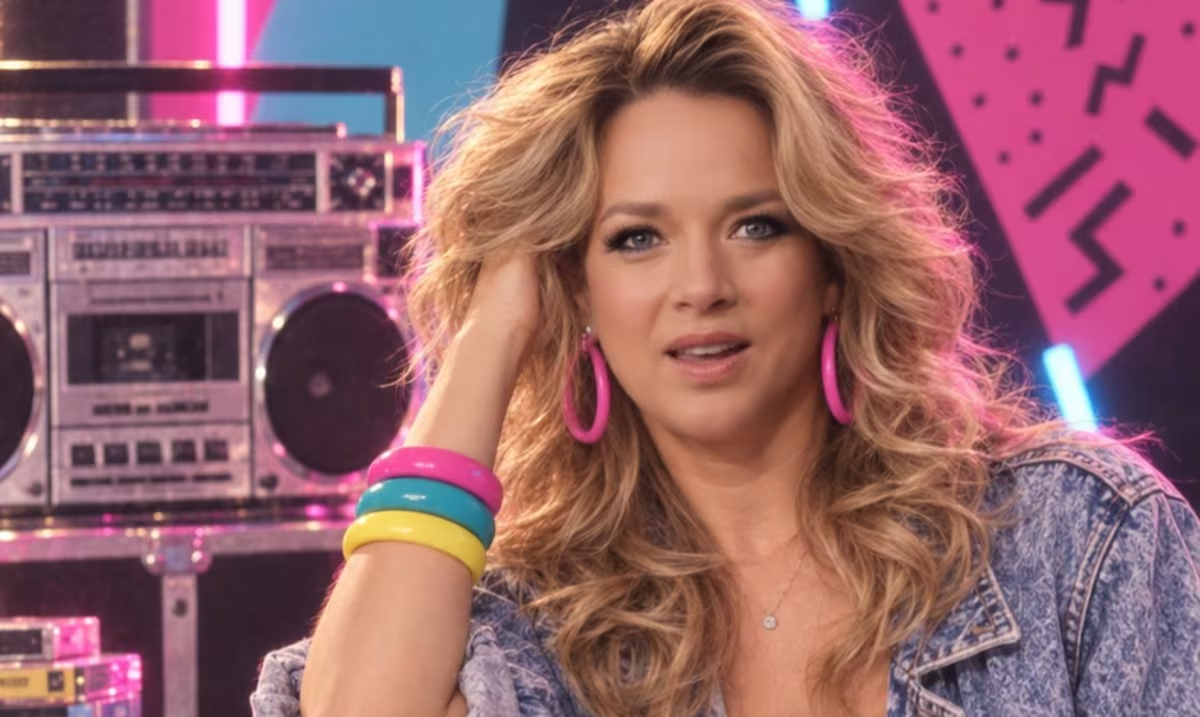
The trend of recreating images from the 80s is fury on Instagram. From one moment to the next, users go to the artificial intelligence to remember old times and publish the result in their temporary stories. With the looks and clothing of the time, you can modify an image from scratch and thus give it a retro style.
The phenomenon gained unusual popularity on digital platforms. With a simple step, an image can be transformed into a completely different one, modifying the person’s appearance: Hairstyles are more voluminous and clothes come more alive with strident colors..
As in any trend, a series of steps must be followed that will conclude with the desired result.
The step by step to take the 80s photo
Select the image
Choose a preferred photo so that it can be edited. It is advisable that it be a selfiewith a sharp background. The more you adapt to these parameters, the better the results will be with the manipulation of the AI.
Choose the preferred AI and use the following prompt
Enter ChatGPT or other intelligence of preference so that the image is retouched. Indicates that you want to recreate the person during the 80s, with characteristic elements of the time.
Describe the style
To the general instruction of the aesthetic change, other details can be added that will contribute to the final result: clothing with shoulder pads, bright colors, colorful makeup, neon lights and other items that remember that time.
Generate the image
Once suggested promptthe artificial intelligence will process the photograph and create a new version with the suggested features, dating back to the 80s aesthetic.
Share the result
The final part of the process is to post the image on social media. Although he trend It started and went viral on Instagram, other digital platforms also participate in the initiative.