
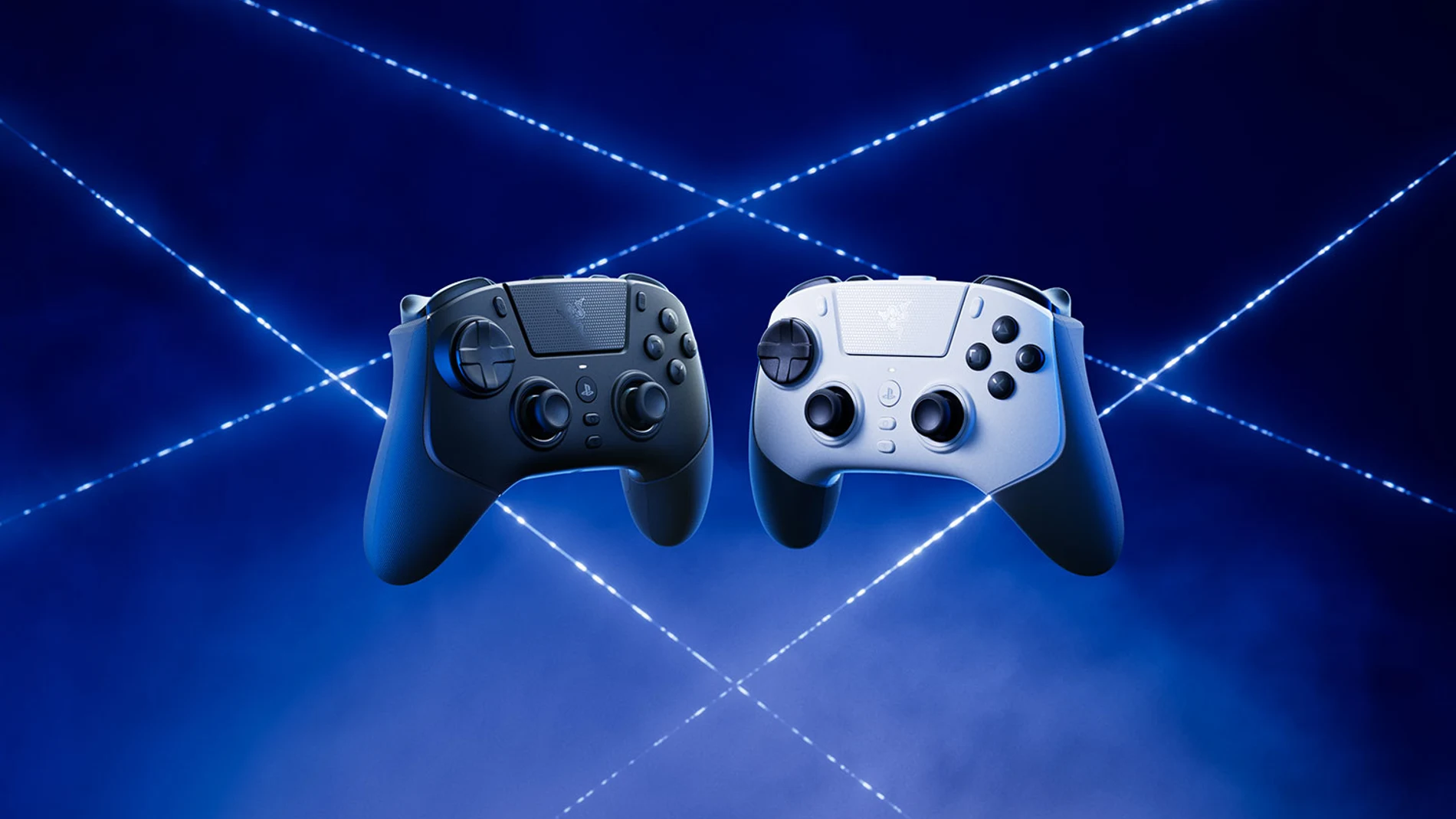
Although he Razer Raiju V3 Pro was conceived with the soul of eSports, in its particular case the interesting thing is not how many functions it has, it is that it allows you to set up a different controller for each type of game. With this in mind, we propose these four practical examples, with games that you probably already have installed. A command is not used in the same way when it comes to surviving a combat in ‘Elden Ring‘, drive through Los Santos in ‘Grand Theft Auto V‘, play a match in ‘EA Sports FC 26‘or enter multiplayer’Black Ops 7‘. There are formats in which a more immediate response is appreciated, while in others it is convenient to have greater control over the pressure of a trigger or to keep more actions within reach of the fingers without abandoning the sticks, even though we normally end up using the same distribution for all of them.
He Razer Raiju V3 Pro for PS5 part precisely of that possibility of adaptation to the game and personal preferences, since it is a Officially licensed wireless controller for Sony machine, plus PC compatibilitywhich combines interchangeable physical elements, software configuration and six additional controls whose functions can be reassigned.
Six additional buttons to offload thumb work
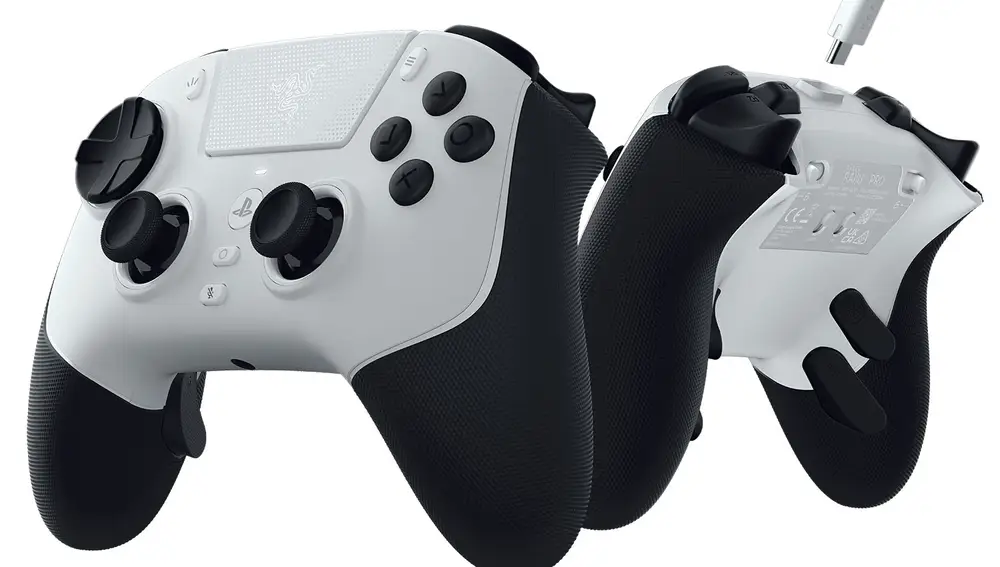
In the posterior area there are four detachable buttons with mouse-type pressing and two additional top buttons, intended especially for users who use claw grip. Altogether it offers six extra controls that can be reassigned to transfer actions that normally fall to the front buttons. This is evident in actions such as jumping, dodging, reloading or executing an attack, because any of them can be taken to the back area and activated with another finger without removing the right thumb from the stick. The result is a more comfortable layout for certain situations, with fewer unnecessary hand movements.
In ‘Elden Ring‘, for example, dodging and jumping can be moved to two rear buttons to keep your right thumb on the camera stick for longer, while in a shooting game similar logic can be applied to actions like reloading, jumping or using the melee attack. They are distributions created by the user themselves and not official profiles prepared by FromSoftware, Activision or others, because the distribution can be modified as is more convenient in each case.
Interchangeable sticks and software regulation
The Raiju V3 Pro’s obsession with customization is even more evident in the analog sticks, one of the elements subjected to constant use. For them, use TMR (Tunneling Magnetoresistance), built with contactless sensors and interchangeable coversand includes a short and domed alternative aimed at fast movements applied on a taller and more concave cover that offers greater displacement to facilitate small corrections.
The type of game and the way you point or move the camera will determine which deck is most comfortable. In a shooter title you may want a quick response, while a higher cover may be comfortable when making small corrections when aiming at a distance. To all this, the physical part is complemented by softwarewhich allows you to modify the sensitivity and the dead zones, that is, determine how much the lever must move before the game begins to register movement.
Triggers with two behaviors
To appreciate how control changes depending on gender we only have to look at the L2 and R2 triggers. The Razer Pro HyperTriggers They allow you to physically choose between two behaviors, with a short click-type press when the stop is activated or with the full analogue travel available when it is deactivated. An FPS can take advantage of short-press triggers to aim and shoot quickly, while a driving game makes better use of the entire range to control the accelerator and brake progressively.
We stand now in ‘Grand Theft Auto V‘, since it allows us go from a driving sequence to a shootout in just a few seconds. In this situation you can choose the behavior you prefer and physically change the mode of the triggers when the situation requires it. ‘EA Sports FC 26‘ offers a different case by Analog Sprinta feature that uses the level of pressure applied to the right trigger to determine running speed. When using it, holding R2 with its full analog stroke preserves that setting and allows you to control the intensity of the sprint in greater detail. At the same time, actions such as pass, through ball, shot or cross can be moved to the rear buttons to keep your thumbs on the sticks for longer, very useful when using tricks with the right stick or changing players manually.
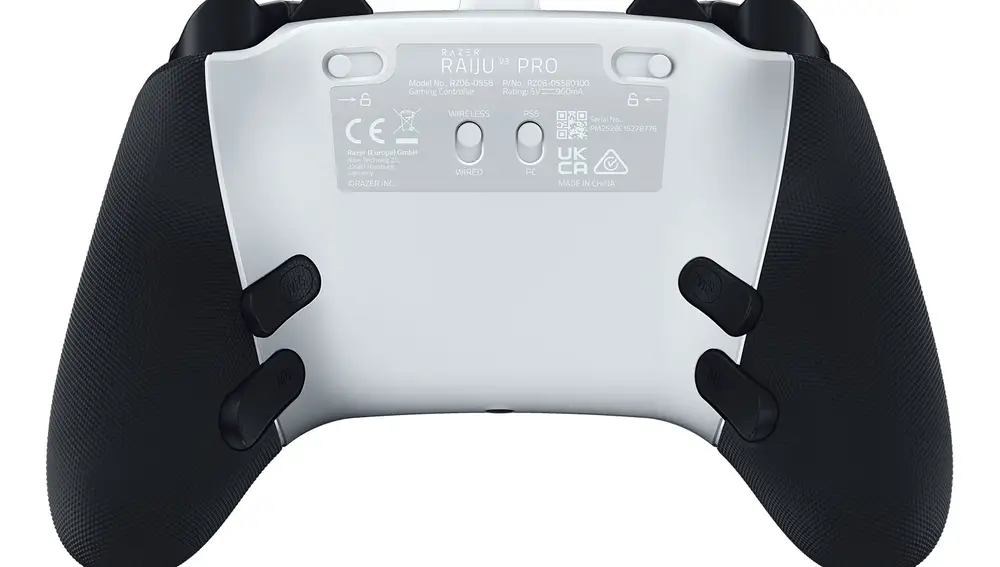
‘Black Ops 7‘ allows you to guide a profile towards a much faster response, with the HyperTriggers short press and actions such as jumping, sliding, reloading or melee attacks distributed among the six additional controls to keep the right thumb on the aiming stick. Following the logic proposed by Razer for interchangeable covers, the short one can be more comfortable at a short distance and the tall one when making small corrections in distant confrontations, while this entire distribution can remain stored independently of the one used in ‘Elden Ring’.
Accuracy also depends on buttons and connections
The main buttons use technology Razer Mecha-Toctile PBTthat combines microswitches and membrane to offer a quick response without giving up some cushioning, accompanied by an eight-way floating crossbar. The HyperTriggers They work differently than the DualSense’s adaptive triggers, allowing you to switch between full analog stroke and a short click-type press. The Raiju V3 Pro completes this configuration with six additional controls, fast response, 258 grams and an autonomy of up to 36 hours via wireless connection.
The wireless connection uses Razer HyperSpeed Wireless 2.4 GHz via the included adapter and, on PlayStation 5, operates with a polling rate of 250 Hz, while 2,000 Hz is reserved exclusively for wired use on PC. Both values therefore correspond to different operating conditions. On PC, the controller also has native support for Steam in compatible titles and can use Razer Synapse 4 to expand its configuration possibilities.
Different ways to use the same controller
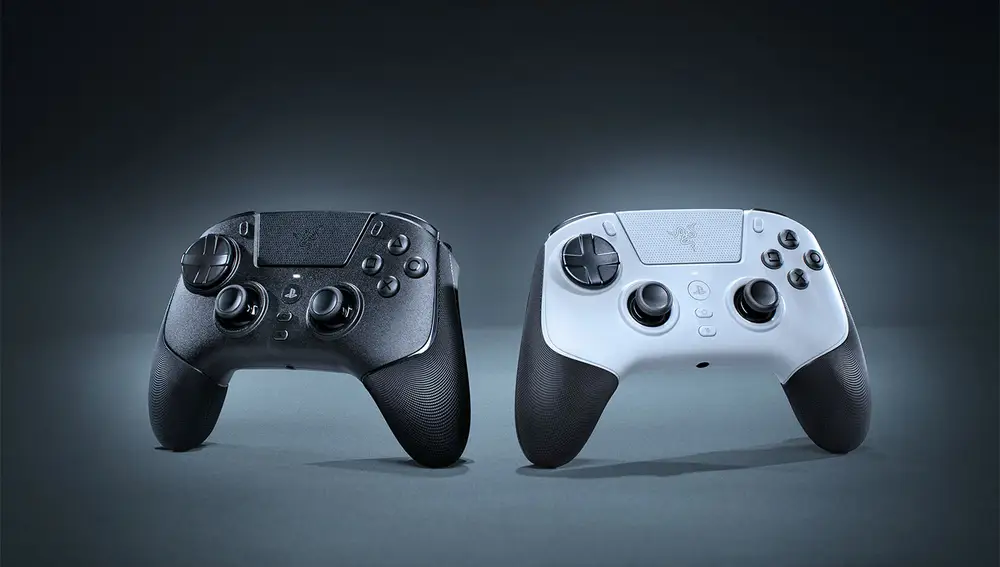
Video games have been evolving for decades, but the basic layout of the controller has remained with few changes, using two sticks, four front buttons, triggers and a crosshead capable of controlling a striker, a sports car, a fantasy warrior or a futuristic soldier.
The Razer Raiju V3 Pro retains that structure, although it allows you to redistribute actions between more fingers, modify the feel of the sticks, choose the behavior of the triggers, calibrate dead zones and save various settings depending on gender or personal preferences