
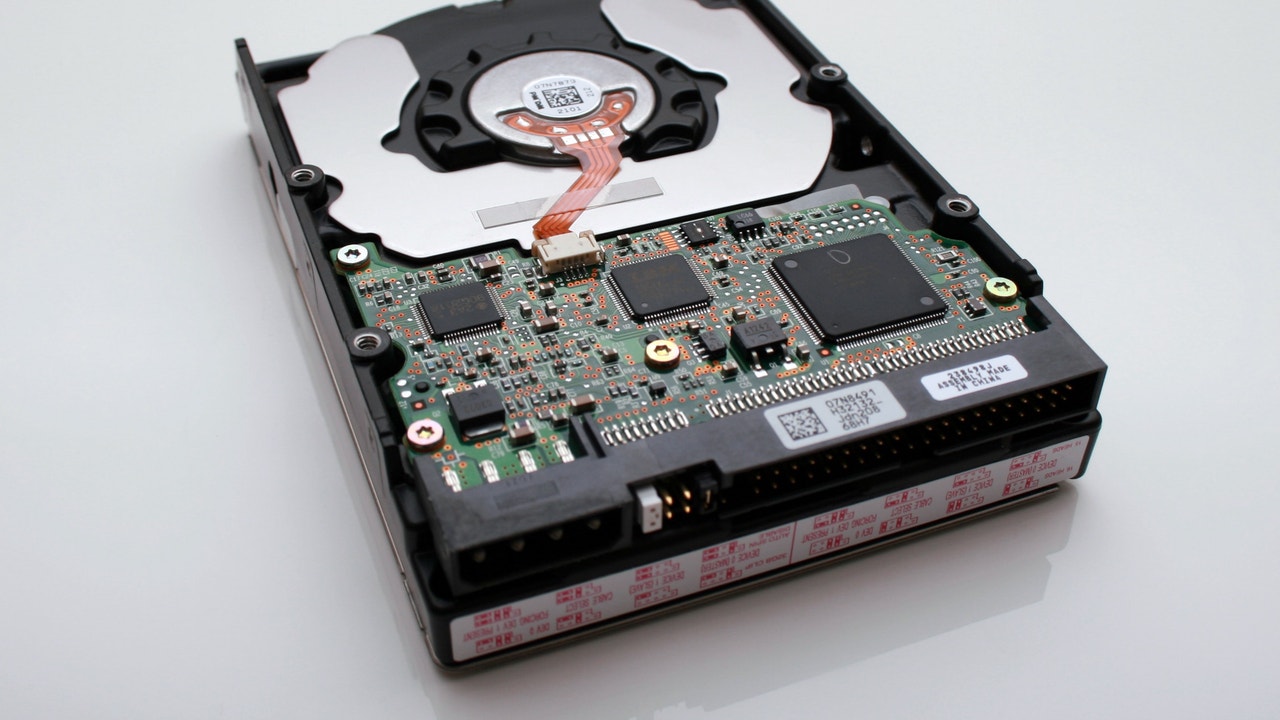
When we talk about the hardware of the computers we use, it seems that the one that is increasingly fast, smaller, lighter and quieter will always be better. But it is not what happens in all cases, not at least if we talk about storage. Life mechanical hard drivesthose who put noise by turning their magnetic dishes, gave way in the last decade to the SSDthat gather all the characteristics mentioned above. Today are those that bring any new laptop or computer computer, but that does not mean that they are the best solution for all cases.
That the SSDs have dominated the market is logical. Their Data writing and reading speeds They are dizzying compared to HDDs and are also more resistant to blows, since they work without moving parts. But this, however, has not extinguished the mechanical hard drives market, which manufacturers continue to produce and users buying.
In 2025, it makes no sense to use an HDD as a main hard drive from which the operating system and the installed programs start. While a modern HDD can reach reading and writing speeds approaching the 300 MB/sthe most modern SSDs can reach 13,000 MB/sif the team’s motherboard uses PCIE (High speed interface that connects internal components on the computer: graphics cards, CPU, SSD, etc.) 5. With PCIE 4 AND 3 They can reach 7,000 MB/s and 3,500 MB/srespectively. The difference is abysmal.
But it does have it as Backup copy of what you have in the main one, due to a great and enormous advantage that they maintain over the SSDs. If there is a failure, Data recovery is much more likely with an HDD than with a SSD. In other words, if your SSD has stopped working suddenly, it is usual not to be able to recover that data or that it costs you to do it. That is why it is convenient to use an HDD for copies of support of the important information on the computer.
How HDD and SSD work and why they fail
The Traditional hard drives Write the data on rotating magnetic surfaces They are read by a mobile head. Although this mechanical system can wear out over time, He does it progressively and usually gives symptoms: Defective sectors, anomalous noises, slowness. When an HDD begins to fail, Many times you can still access part of the content. And you can always resort to professional recovery services that disassemble the disk in controlled environments and extract the data directly from the dishes.
SSD or solid state discson the other hand, they store the data in flash memory chips Nandsimilar to those carried by mobiles or SD cards. His Achilles heel lives in two aspects: The degradation of memory cells with use and Electronic controller failures. When a SSD fails, usually do it suddenly and completelywithout warning signs. And if the controller is broken, access to the data can be fully blocked, even if the internal memory is intact. In that scenario, Recovery is usually difficult and expensive, since it requires very specialized equipment, or directly impossible.
The backup that you cannot lose
A good support system must contemplate the worst possible situation: that your main device is broken and that the Backup unit is the only way to recover your information. In that context, the choice is clear: A mechanical hard drive is still the most sensible option. They are much cheaper by Gigabyte, they can be stored years disconnected without degrading, unlike an SSD, and, if something goes wrong, You have more options to recover your files.
So, although the SSD has earned its place on your computer or laptop, when you think of backups, choose a hard drive of the usual. Not always the most modern is not the most reliable.