
Over the years, there have been very interesting projects emulating Windows XP and other older operating systems Microsoftusing only web technologies and being able to use them directly on a web page, without having to install anything. There is now a new project that uses this approach, but in a slightly different direction.
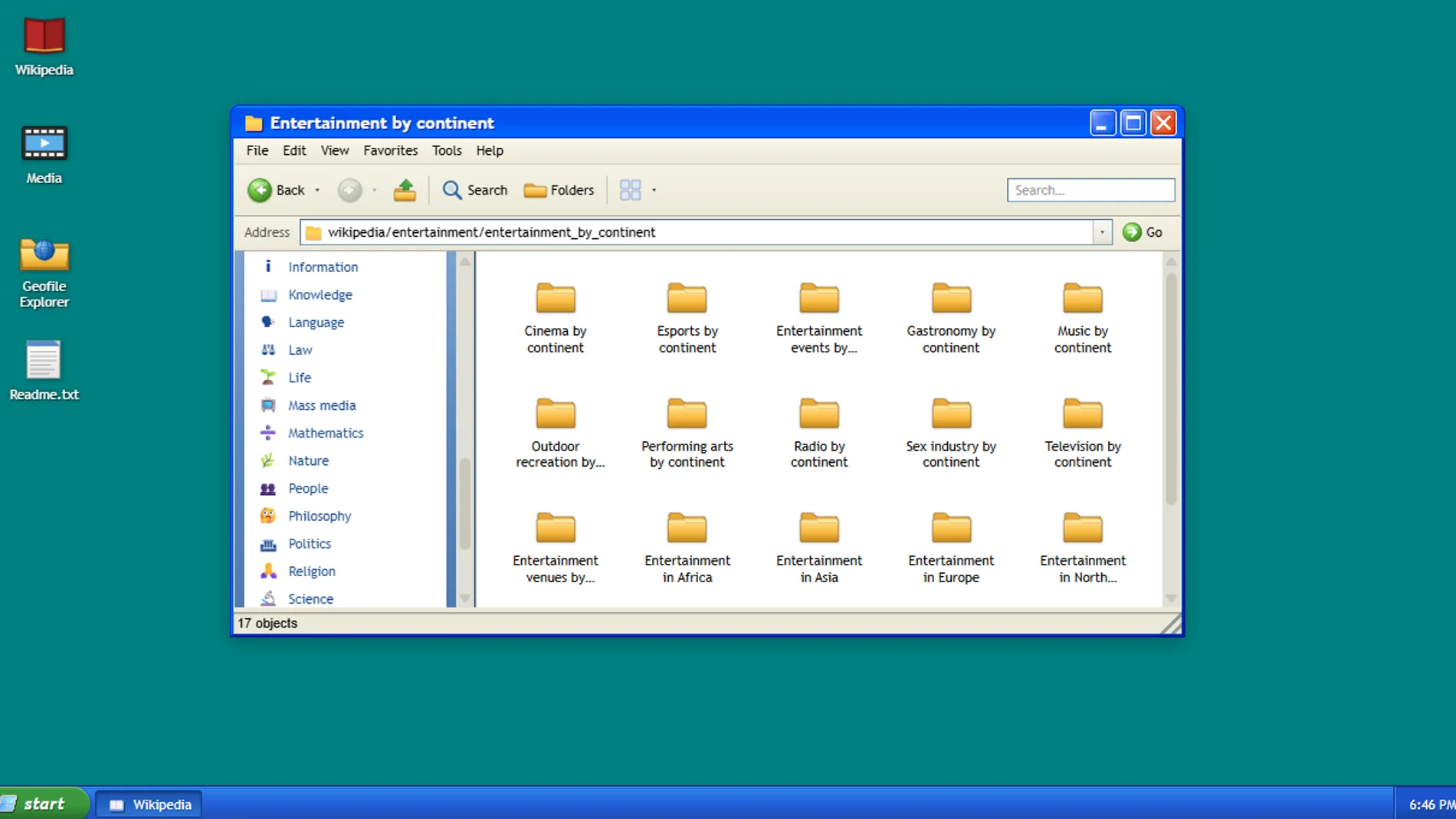
If you access the Wikipedia File Explorer website, you will find a Windows XP-style desktop interface that allows you to access and navigate Wikipedia as if it were a file system. The project has been created by Sami Smithwho can be found on X with the user @hellosami.
On the desktop, you have the icons Wikipedia, Average, Geofile Explorer and a file Readme.txt.
Inside the Wikipedia folder, you will see all Wikipedia categories as foldersand the items included in them can be opened as documents.
The Media folder is basically your category explorer. Wikimedia Commons and allows you to set any image as the wallpaper of your ‘Windows XP’.
Lastly, Geofile Explorer is something the developer is working on right now and essentially allows explore continents, countries, cities and more specific regions by browsing folders.
Although the user experience is based on Windows XP, no Windows or Microsoft logos appearobviously to avoid possible problems due to copyright infringement. If you click on the menu Startyou will also see options like control Panel, My documents and others, but they appear deactivated. It is not an exact replica of Windows XP, but the inspiration is evident and the interface of the File Explorer It has an undoubted nostalgic charm.
Windows XP, which was launched in 2001 and had its greatest use and global penetration between 2006 and 2010, was installed then on between 500 and 600 million computersoccupying three quarters of the market. Many users still remember it today and projects like Wikipedia File Explorer take advantage of that nostalgia to transform a digital encyclopedia like Wikipedia into something familiar, visual and surprisingly explorable. Yes indeed, The content is in English and does not have the option to select a language in the articles that open.