
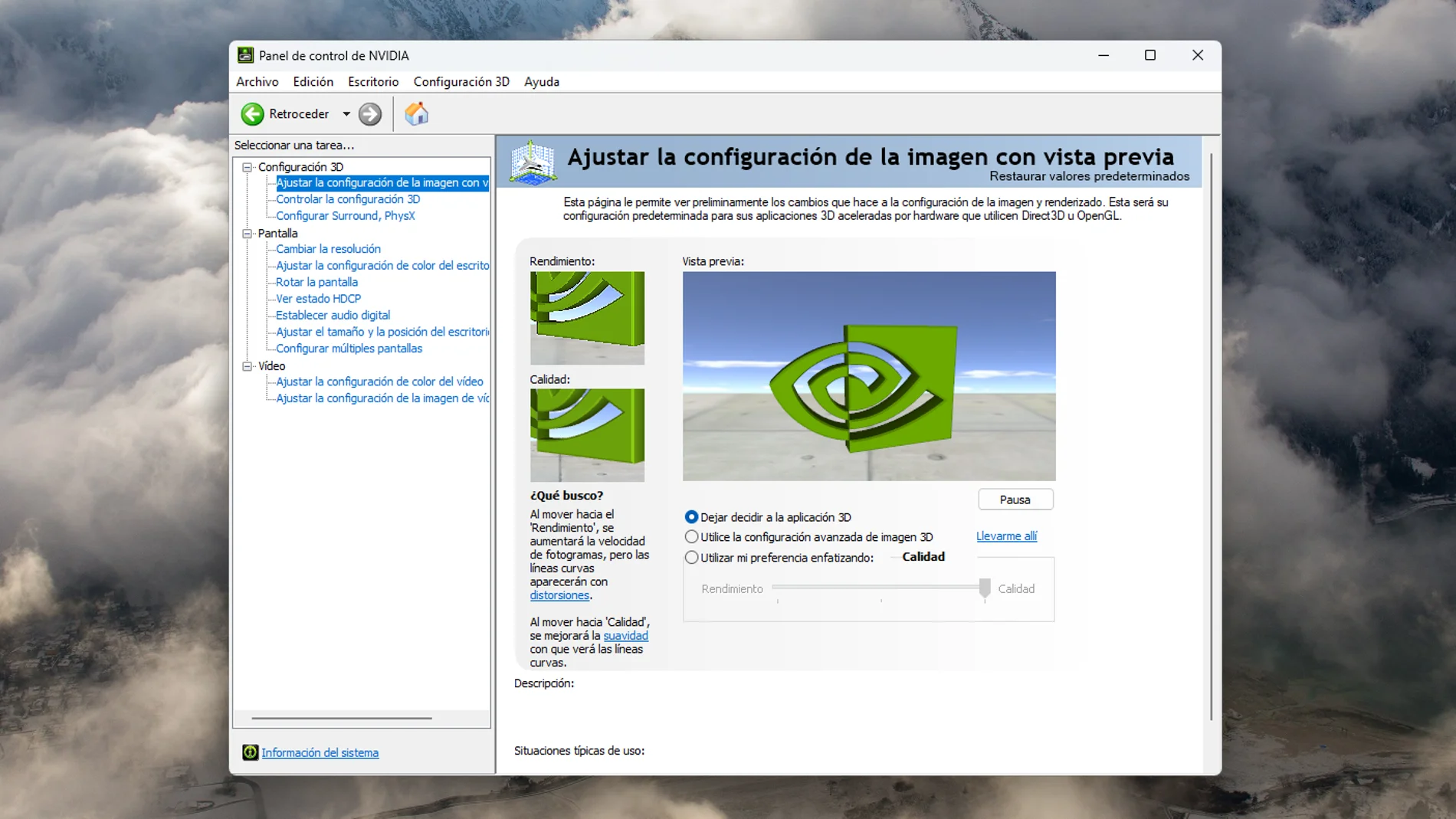
Anyone who in the last 20 years has wanted to make any adjustments to the image on a computer with a graphics card of Nvidiahas had to deal with it. Now there are alternatives, but the Nvidia Control Panel It was for a long time the way in which a user could adjust the settings of their games and other aspects of their equipment related to the screen, video and audio. After 20 years, Nvidia has decided to retire this classic piece of software.
The latest drivers Game Ready and Studioversion 610.47, for RTX GPU that the company launched yesterday they no longer incorporate it. Nvidia states in the release notes that ‘all Nvidia Control Panel features with active support for GeForce users have been modernized and moved’ to the Nvidia App.
This application, which the company introduced in 2024‘contains all the modern NVIDIA Control Panel functionality available for GeForce RTX GPUs, and much more, plus be faster and more efficient‘. It also offers more advanced features than the Control Panel had, including driver updates and the ability to force newer versions of DLSS in games that only natively support older models.
The withdrawal is not complete, but you will not receive any more updates. If you already have the old Control Panel installed on your system, installing the new version of the driver will not remove it unless you perform a clean installation. If you delete the Control Panel and want to recover it, will continue to be available for the time being as a standalone download on Microsoft Store.
The situation is different for RTX Pro, RTX and Quadro GPU users that use Nvidia workstation driversas Nvidia has not yet migrated all the relevant pro features from the Control Panel to the Nvidia app, so it will continue to be installed along with the drivers, although its days are obviously numbered.
20 years with the classic Nvidia Control Panel
The Control Panel reached users in February 2006 with driver package ForceWare 83.60. At that time, Nvidia’s most advanced was the series GeForce 7 and could work even with cards as old as the GeForce 2MXreleased in 2000. It was criticized for the download size, a huge 45 MB.
At that time it was described as the ‘new’ Control Panel, although what preceded it was not an independent application, but an interface built into Windows display properties that Nvidia referred to as the Classic Control Panela category that his successor ended up occupying. With it, users could force resolutions, 3D effects or antialiasing levels from the programavoiding having to modify the settings of each title, which saved time.
But it wasn’t just important for games. It also allowed adjusting general graphic system optionssuch as monitor resolution and refresh rate, multiple monitor settings, display scaling, color depth, dynamic range, desktop and video color settings, G-Sync, PhysX or, on some professional GPUs, workstation-specific features.
Nvidia began offering a complementary alternative to the Control Panel with GeForce Experience in 2013, but the modern and unified replacement arrived with the Nvidia App two years ago, which has been absorbing its functions until now allowing the retirement of the classic Control Panel. With its elimination, a chapter closes for many veteran users.