
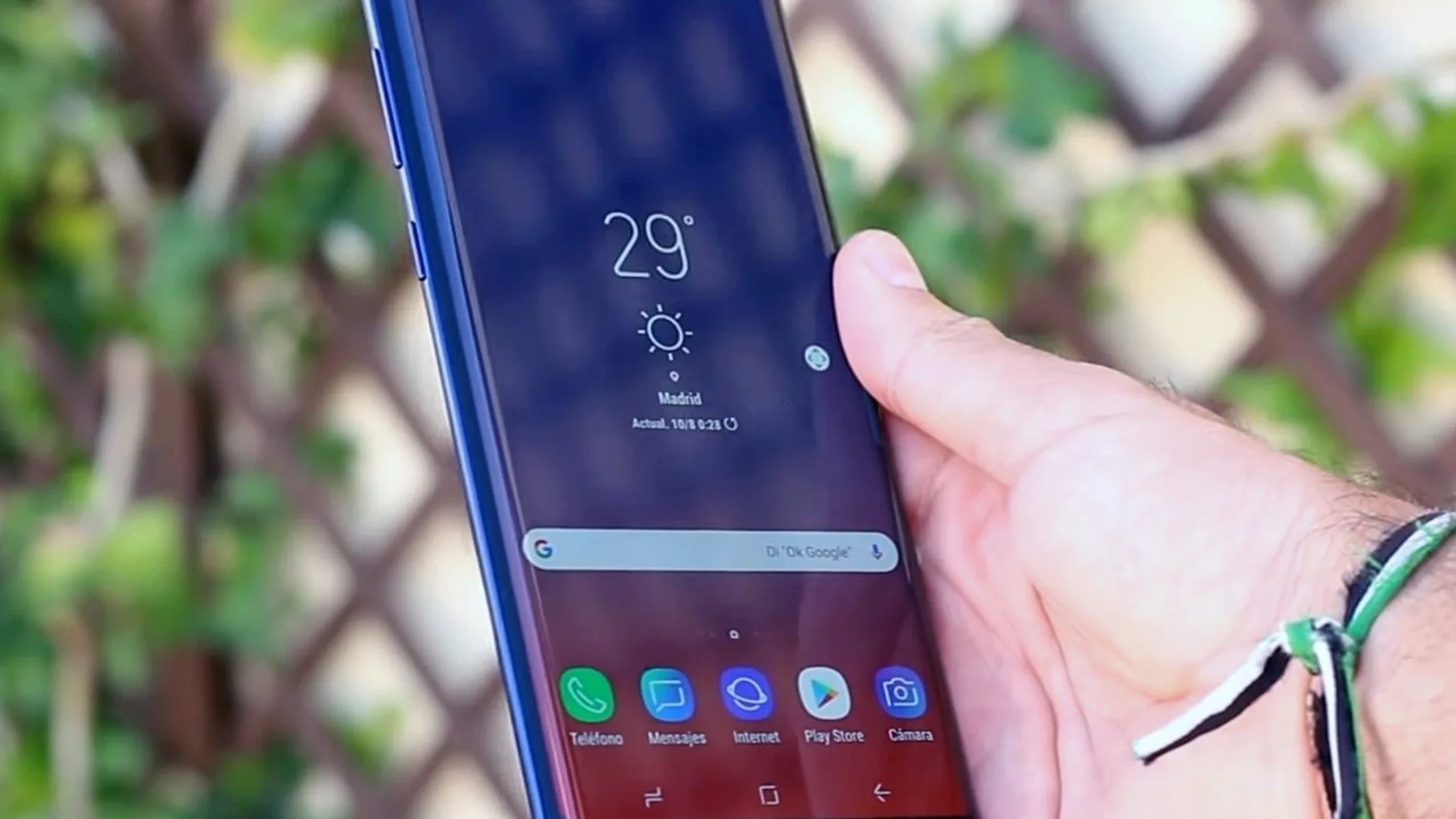
Smartphones have been evolving for years, but many of its most useful functions continue to go unnoticed by most users. Between menus, updates, and new layers of customization, it’s easy to ignore tools that can make a big difference in your daily experience.
In the case of Samsung devices, There is a little-known setting that allows you to access applications and functions almost instantlysomething that many users envy about other more recent phones.
A shortcut that changes the use of your mobile
One of the most underused elements in smartphones is the power button. Beyond its basic function, this button can be converted into a custom shortcut.
On many Samsung Galaxy models, double-pressing the side button automatically opens the camera. However, This behavior can be easily modified from the system settings.
Simply access “Advanced features” and select the option “Function key”. From there, the user can decide which application will open with a double tap: from the calculator to a music app or any other tool they use frequently.
This small change saves time on a daily basis and reduce the need to navigate the device menu.
The “secret button” that few know
But the real key is in a less obvious function: Touch control on the back of the phone. Although it is not activated by default, this option can be enabled through Good Lockan app developed by the brand itself that expands the system’s customization capabilities.
Inside Good Lock, The RegiStar module allows you to activate the function known as “Touch Back”. Once configured, the user can assign actions to a double or triple tap on the back of the mobile. This literally turns the back of the device into an extra button.
The possibilities are wide and depend on the needs of each person. For example, it can be configured to:
- Open frequently used applications such as messaging, music or maps.
- Take screenshots quickly.
- Activate the flashlight.
- Launch the voice assistant.
- Share content instantly.
This functionality It is especially useful when using the mobile phone with one handsince it avoids having to perform button combinations or search for options on the screen.
According to Google, The trend in mobile operating systems is to provide quick access and intuitive gesturesprecisely to improve ergonomics and user efficiency. Unlike other manufacturers, Samsung is committed to a very flexible customization layer. This feature includes not only shortcuts, but also changes to the interface, lock screen or multitasking.
Technology experts point out that This capacity for customization is one of the main advantages over other more closed ecosystemswhere options are more limited.
Activating these functions is not only a matter of convenience. TIt can also improve productivity and reduce time wasted on repetitive tasks. Furthermore, since they are official tools, they do notor involve security risks or require advanced technical knowledge.
Many users are constantly looking for new applications to improve their mobile experience, but often the solution lies in the device itself. Activating and customizing shortcuts on a Samsung phone may seem like a minor detail, but in practice it represents a notable change in the way you interact with the smartphone.