
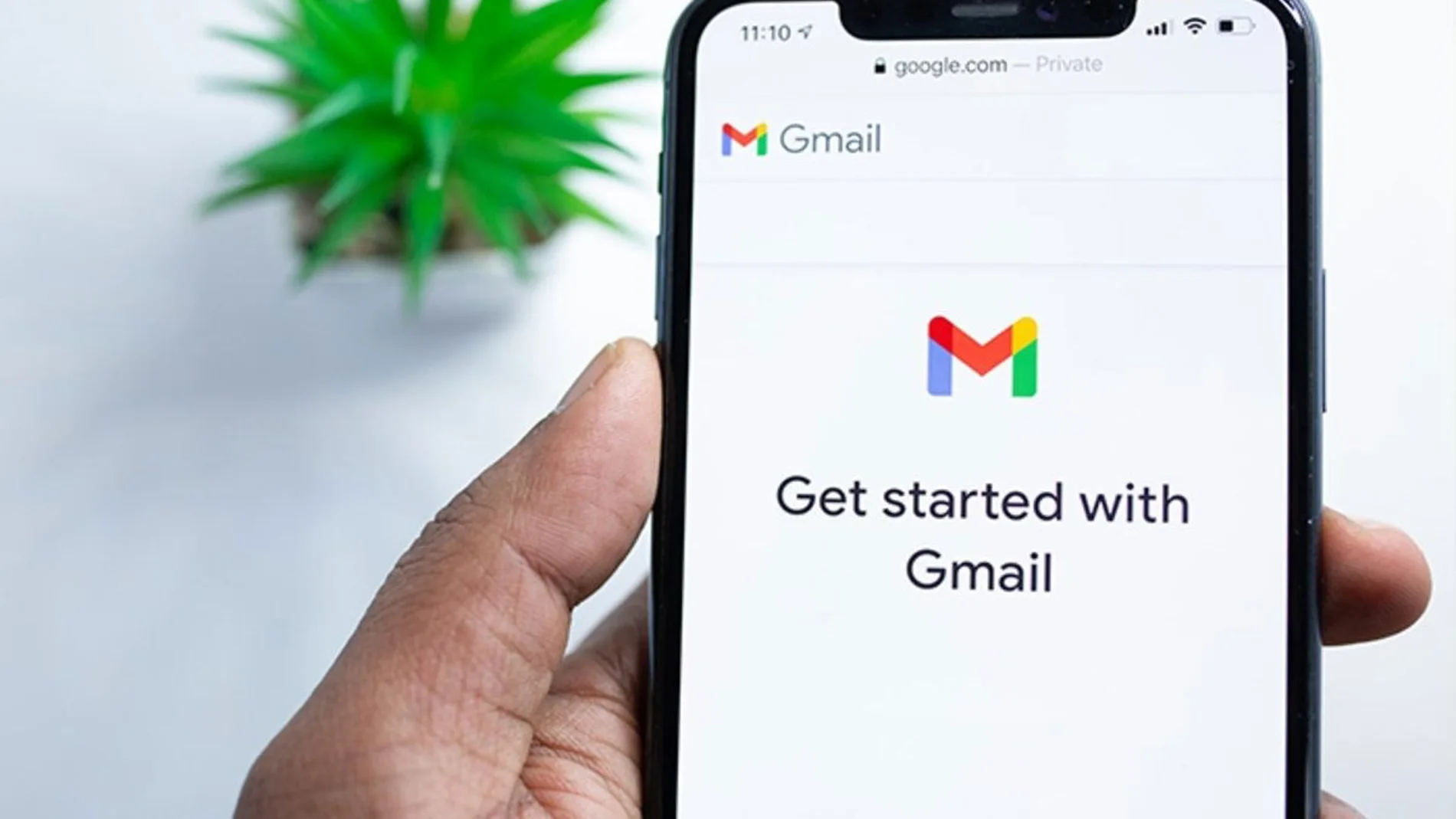
Google launched Gmail in 2004, so, if you are one of the oldest users of the service, you have been using the same email address since then. And it is possible that what you thought 22 years ago was an appropriate name for an email account with which to identify yourself on the Internet you no longer see the same. Until now, the only way to use a different Gmail was create a new account and move all your email to ita tedious process, or redirect it from the old one, something that requires modifying the account settings, but that has changed.
Last December, Google announced that it would allow users to modify their Gmail email address, which is also the credential with which they access all Google services. The information first appeared on the service’s support page in Hindi, noting that users can ‘change your Google Account email address that ends in gmail.com to a new email address that ends in gmail.com’. Google also indicated that this capacity is being ‘gradually rolling out to all users’ and, although it has taken time, It is finally available in Spain.
The interesting thing is that it does not affect the operation of the account or the associated services. You can continue accessing your Google Photos, Driveetc., without losing anything you have there. And you also don’t need to move the change to third-party services, such as a subscription, since the old address continues to operate. If someone sends you an email to it, you will continue to receive it anyway. And it will not be possible for anyone to ‘usurp’ it by opening a new Google account with it.
Yes, it must be taken into account that users can only modify their email address once every 12 months. Although when the news came out it was said that this change could only be made three times, that limitation does not appear in Google’s current information. If at the time you didn’t think too much about choosing the direction, now you can.
How to change Gmail email address to a new one
The process to do so is simple and you can do it both from the web and from the mobile app. You have to follow these steps.
- In Gmailclick or tap on your profile picture.
- Select ‘Manage your Google account’.
- Enter the section ‘Personal information’.
- Click or tap ‘Email’.
- Select ‘Email from your Google account’.
- Verify your identity, then tap ‘Change Google email address’ and enter the new address ending in gmail.com.