
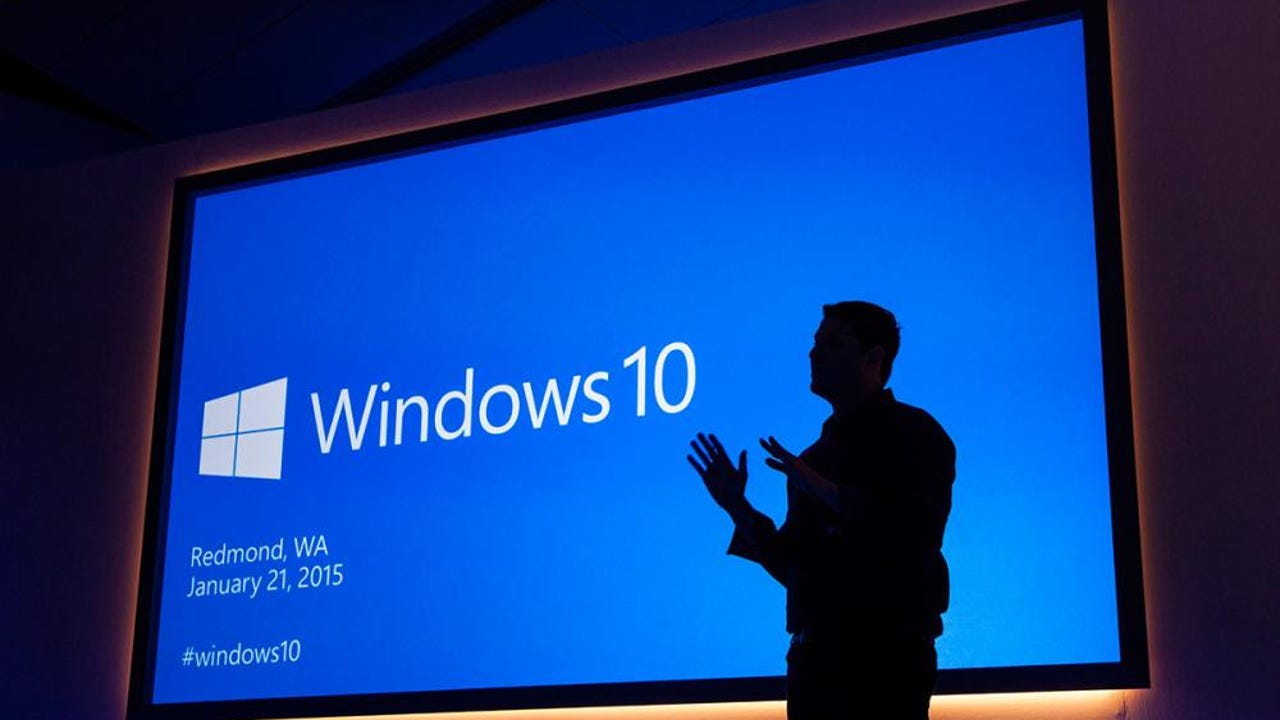
Windows 10 marked a turning point in the evolution of Microsoft operating systems by offering a more fluid, safe and adaptable experience to different devices. Unlike its predecessor, Windows 8, this system recovered the classic start menu, which facilitated the transition to users accustomed to more traditional environments. In addition, it introduced key improvements in the Integration with cloud services, artificial intelligence assistance with Cortana and a more dynamic update system that sought to keep the software up to date without affecting productivity. These innovations made it a central tool for work, education and entertainment for a decade marked by accelerated digitalization.
However, every cycle comes to an end. Microsoft has announced the closing of the official Windows 10 support to give definitive way to Windows 11, a platform that seeks to redefine the user’s experience with a more modern interface and a greater focus on efficiency and connectivity. Although Windows 10 will continue to function in many teams, will stop receiving security updates, which raises challenges for those who decide to stay in this version. The transition to Windows 11 not only represents an aesthetic change, but also a commitment to adapt to an era where technology must respond faster to the needs of the present.
From what date Windows 10 stops updating?
Microsoft has confirmed that the operating system Windows 10 will stop receiving security and technical support updates from October 14, 2025. This date marks the end of the official life cycle of the system, which implies that millions of users must consider a transition to more recent versions if they wish to maintain protection against cyber attacks and system errors. Although the software will continue to function, the lack of patches and improvements will make it a vulnerable and outdated platform, especially in an increasingly demanding digital environment in terms of safety and technological compatibility. On the contrary, there is an option that allows you to continue updating the system for a limited time in case you do not want to move to the new version or the device does not allow it.
How can I continue to update the operating system?
Although Windows 10 computers will continue to function normally, they will stop receiving security updates, which is an important risk for users. For individuals, Microsoft offers an alternative through the extended security updates program, known as ESU. This plan allows you to receive updates for additional twelve months, until October 13, 2026. Domestic users have two ways to access this benefit: free of charge if they support the team configuration in OneDrive or through the exchange of a thousand Microsoft Rewards points or the payment of thirty euros.
Of course, to access these updates, The team must be updated to Windows 10 version 22h2, having the last cumulative patches and have a compatible edition, such as Home, Pro, Pro for Workstations or Pro Education. It is also necessary to log in with a Microsoft account with administrator permits. In the case of companies, access to the ESU program is also available, but under more strict conditions and with a growing economic cost.
The companies can extend the support for up to three yearspaying an annual rate for each device that you want to keep safe. This model is designed to facilitate the ordered transition to Windows 11, especially in environments with complex infrastructure or software that is not yet fully compatible with the new version of the operating system. Like domestic users, companies must ensure that their equipment is in Windows 10 version 22h2 and that they have compatible editions. This system offers a temporary solution, although its ultimate goal is to prepare the path to a complete and definitive update.
How to access the extension of the update program?
To register in the extended security updates program and keep a team with Windows 10 beyond October of this year, the process is simple but requires fulfilling certain previous steps. The user must access the configuration section, select update and safety and enter Windows Update. There, it is necessary to download and install all pending updates to ensure that the system is up to date. If the device meets the technical and version requirements, a notice will appear informing that Windows 10 support ends in October 2025. In that same message, The “register now” option will be enabled, which allows you to activate the plan and continue receiving security patches during the extended period.