
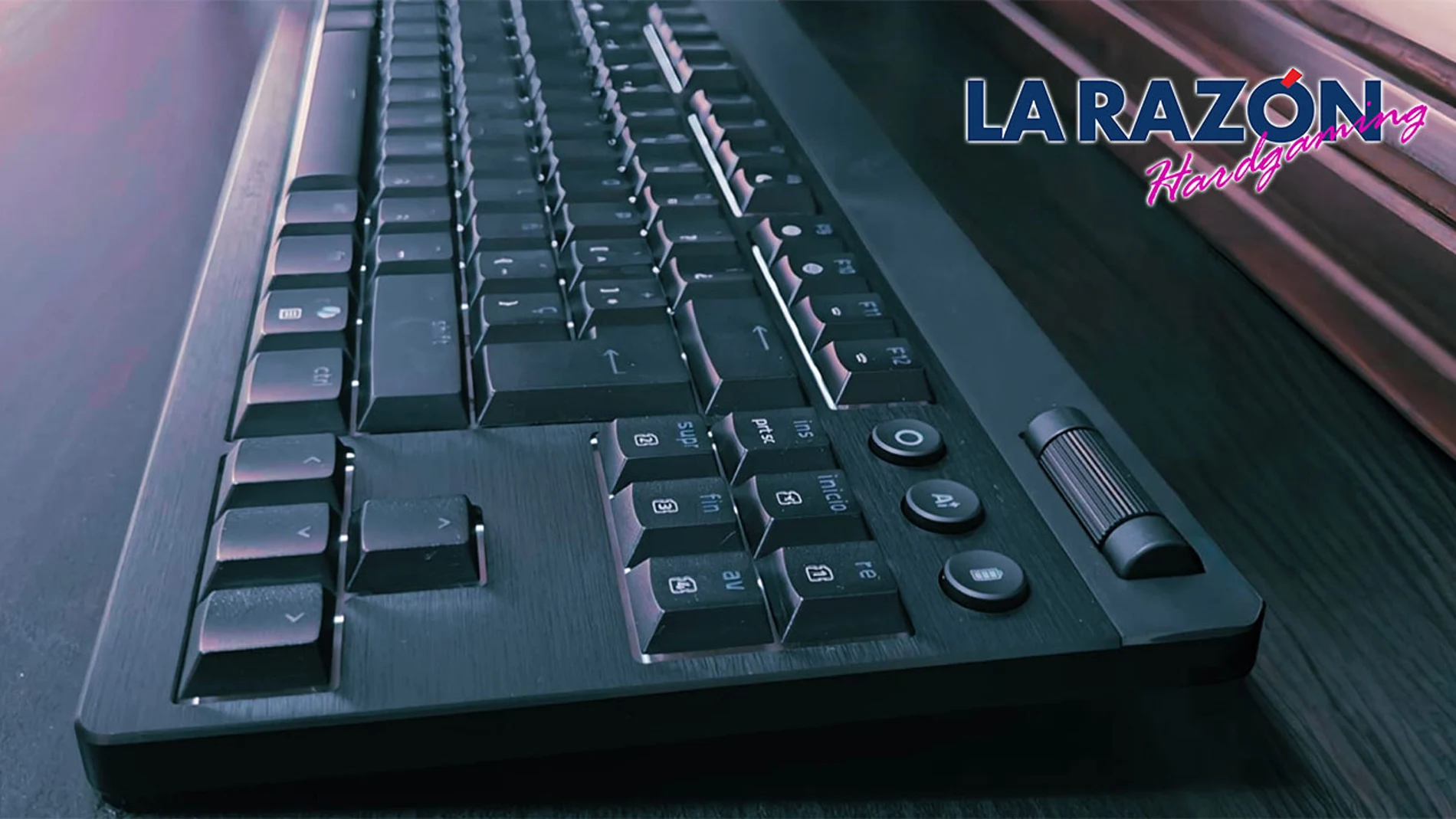
We have had the opportunity to test the keyboard for a few weeks Razer BlackWidow V4 Low-Profile Tenkeyless HyperSpeed and we have used it both to work and to play some games. Before entering into a more exhaustive analysis, it is worth mentioning that its performance, RGB lighting, touch when writing and its behavior in game they are at a high levelalthough there are a couple of factors that should be considered before thinking about getting an accessory in this price range.
First contact
The keyboard arrives perfectly packaged in a sturdy box and protected as befits a product in this range. Inside we find the keyboard itself, a USB-C cable, a wireless receiver and an instruction manual in several languages. Just take it out now conveys a good feeling of construction. It weighs 870 grams and, once placed on the table, stays put even during long gaming or work sessions. Its 5052 aluminum alloy upper casing helps a lot in this regard and also leaves a pleasant feel to the touch with a low tendency to accumulate dust.
However, much of its appeal lies in its thickness, since, for a mechanical keyboard it turns out very thin. With its 18.5 mm on the front, it is located at a very comfortable height for writing, something that in practice allows you to spend a lot of time in front of the keyboard without noticing signs of fatigue in your hands. The keys also offer a pleasant touchthey do not slip and even after an intense session they continue to respond well. In this sense, its switches are less deep than in other mechanical keyboards, but they maintain that recognizable click that many people look for in a model like this.
To make everything work as it should, the manufacturer includes a 2.4 GHz USB dongle and Bluetooth connection, so the keyboard can be paired with multiple devices without too many complications. In addition, the possibility of sharing the receiver with other compatible peripherals helps to leave USB ports free, something quite practical if you are focused on that aspect.
adventure time
For gaming-focused use, this Razer BlackWidow V4 Low-Profile Tenkeyless HyperSpeed responds really well. We have tested it with ‘Battlefield 6‘, ‘Apex Legends‘, ‘Screamer‘ and ‘League of Legends‘, and in all of them it has performed very convincingly, since its short distance helps a lot with quick proposals and the low format makes it do its job and is comfortable even after several hours of adventures in a row.
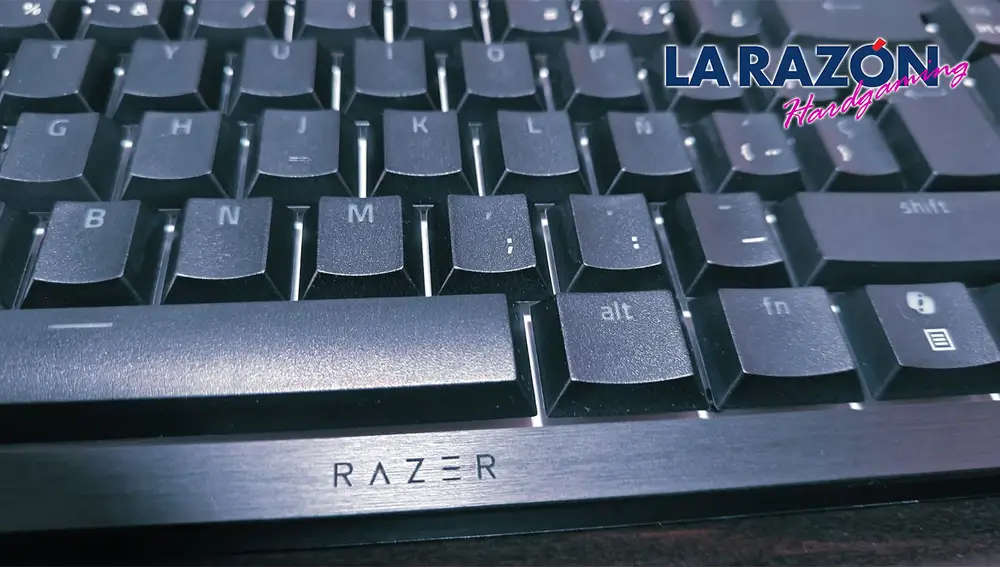
Added to that is the Snap Tapwhich is a function designed to give priority to the last press between two keys. In shooting proposals it is quite noticeable when changing direction quickly, especially when you lean out, correct your position and return to cover almost instantly. It doesn’t completely change the experience, but it does. provides an extra in situations where a quick reaction can come in handy.
lighting environment
The RGB lighting It is one of the most attractive sections of the keyboard and just by installing Razer Synapse it turns out very easy to leave it configured and achieve a really attractive result. The light is distributed very well between the keys and if you already use other Razer peripherals, everything is synchronized almost immediately. Synapse itself allows you to change functions, create profiles and deactivate keys if you don’t want to risk pressing them by mistake while playing and you don’t have to waste too much time leaving everything to your own devices.
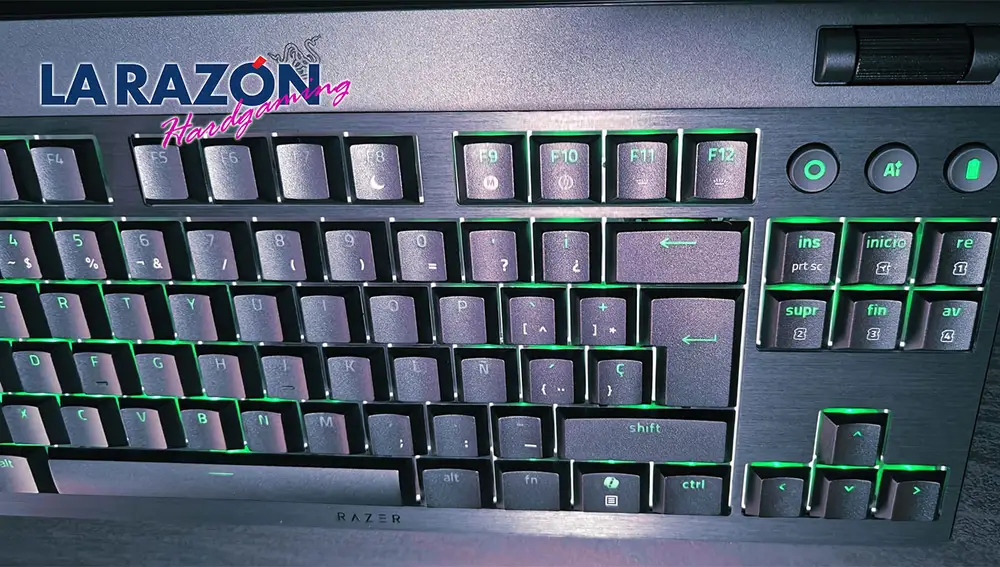
Keys that are not immune to noise
The keys are pleasant to the touch, although it should be made clear that we are not facing a silent keyboard. After all, it is a mechanical model, but even so, it does not become annoying thanks to that characteristic sound that is pleasant when writing even as the hours pass.
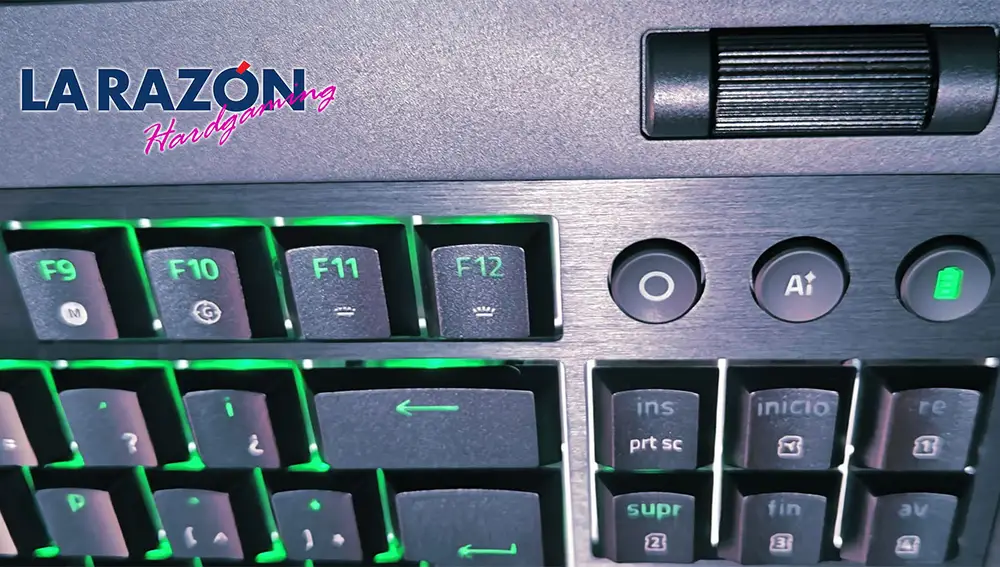
On this occasion we have tested the TKL version, smaller and without numeric keypadbut which, in exchange, maintains a very comfortable volume wheel and luckily it is not too sensitive. Next to it we also find the direct access to AI functionsa Bluetooth key and the button to activate HyperSpeed mode, all controlled by a useful battery indicator. Precisely, the Razer BlackWidow V4 Low-Profile Tenkeyless HyperSpeed box sets autonomy with up to 980 hours per charge. This is a data that surely corresponds to the low consumption mode and without lighting on. Even so, after a couple of weeks of use between work and play, the battery indicator was still holding up to half its capacity when we said goodbye.
In summary
In general it is a keyboard that Ensures reliability and performance for both work and play. The quality of the touch, its natural predisposition to play, the comfort when typing, the RGB configuration and a generous battery contribute to the set is downright attractive. It’s expensive, but if you’re looking for a well-built wireless mechanical keyboard for heavy use, this Razer BlackWidow V4 Low-Profile Tenkeyless HyperSpeed should be an option to consider.
In the least convincing part, it is worth stopping at its price. It is not a cheap keyboard but, still, for materials, touch, comfort and performance, from the first contact perceived above averageespecially in terms of manufacturing and materials.