
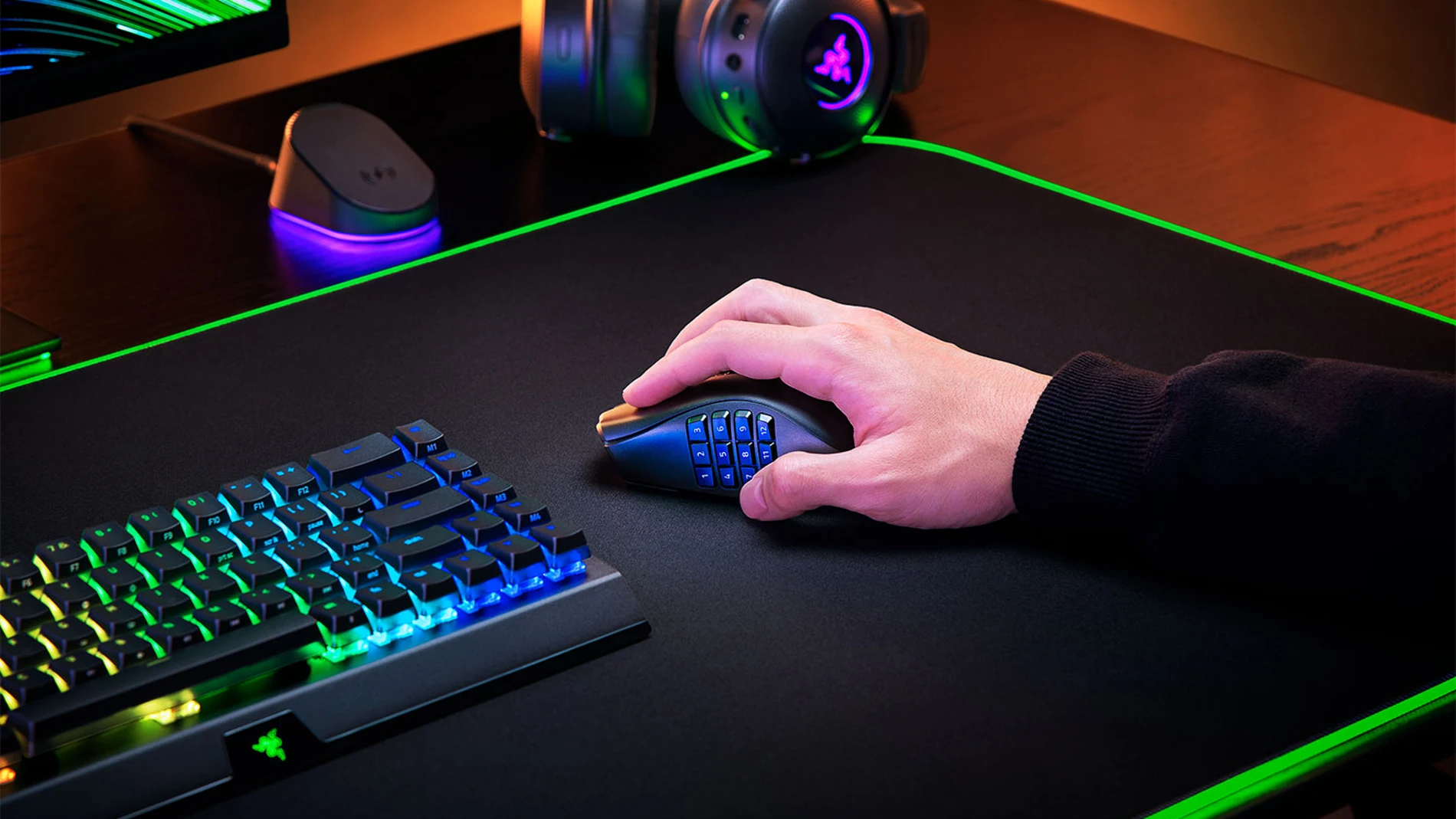
A mouse prepared for a MMORPG It does not have to be as efficient when we switch to an FPS, a MOBA or any game that uses many fewer commands. Razer’s designers seem to have started precisely from this premise when creating the Naga V3 Proa model that allows you to physically modify the controls located under the thumb Thanks to three interchangeable side plates with which we can change its distribution according to the use we are going to give it.
The third generation Pro maintains the close relationship with MMOs that has accompanied this family, although it considerably expands its possibilities and brings those same controls to editing, navigation and productivity tasks, where its programmable buttons also can be used as shortcuts to work, edit content or manage everyday applications.
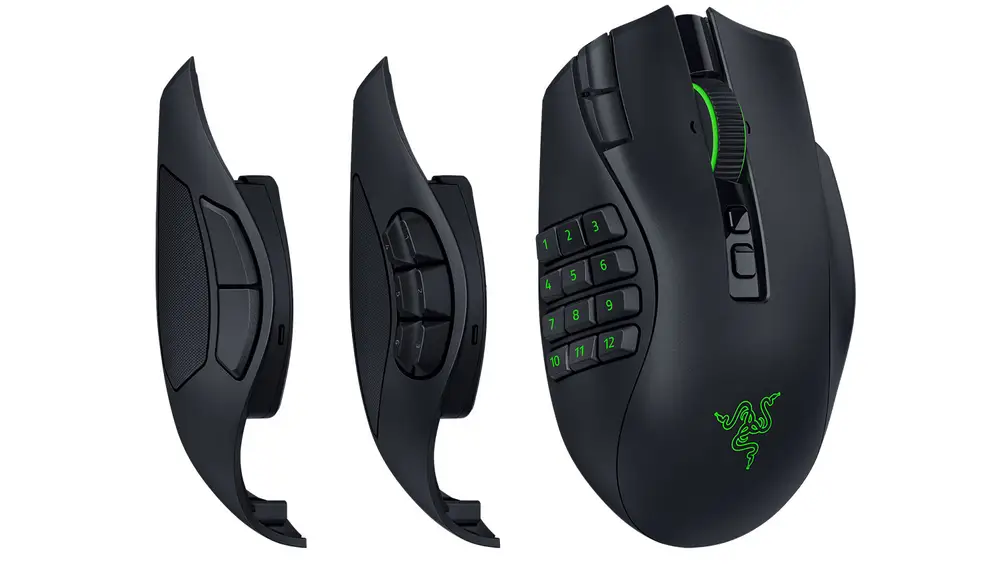
Three mice inside the same body
During the time we have enjoyed the accessory, changing one plate for another It only takes us a few seconds and immediately modify the number and arrangement of side controls. For example, in an MMO, the twelve button option allows us to assign skills, items, mounts, commands or key combinations directly to the side of the mouse, so that many actions can be performed with the thumb without having to continually resort to the keyboard. If we move on to a MOBA or a Battle Royale, the six-button plate reduces the number of controls and, therefore, leaves a simpler and more comfortable distribution to quickly access the actions that we use most frequently.
The two-button plate leaves only the two traditional side controls, facilitating a layout similar to that of a conventional mouse, especially comfortable for action and shooting games or during office or browsing tasks. The change does not consist solely of reassigning functions, but the side of the Naga V3 Pro itself can be replaced to offer a different physical distribution depending on what we are going to do.
The side plates are the most obvious part of that ability to change use, but they don’t work alone. The Naga V3 Pro can offer up to 23 programmable buttons and accompanies that system with the tilt wheel Razer HyperScroll second generation, which also allows you to move horizontally and adopt different behaviors depending on the task. The wheel adopts a more contained and precise scrolling when we need to advance step by step through menus, documents or work tools, but it can also be left practically free to quickly scroll through long pages or timelines. Added to this is Smart Reelwhich automatically switches between both behaviors depending on the speed at which we spin the wheel.
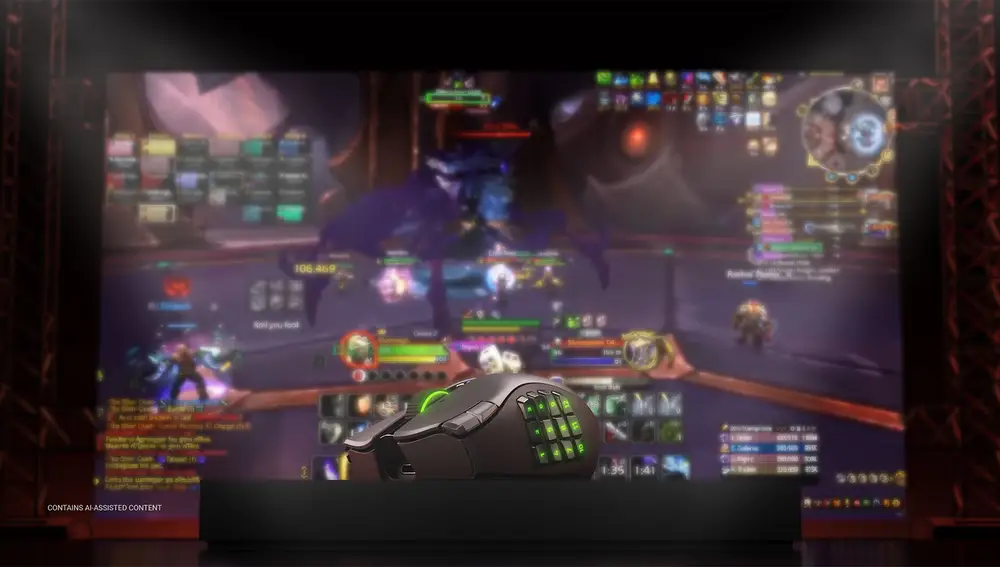
Synapse turns buttons into tools
A good part of the possibilities of the Naga V3 Pro go through Razer Synapsehe software that allows you to remap buttons, create macros and save up to five profiles in internal memoryso each game or application can have its own settings without having to prepare the mouse again each time. The program also incorporates Razer Hypershiftwhich adds a second action to each control. In this way, the same button can perform one function under normal conditions and execute another when activating this mode, so the number of available accesses increases without the need to add more physical controls.
All that level of customization comes in handy, too. when we stop playing and go to workbecause the side buttons can become shortcuts to copy, paste, undo, change tools, execute key combinations or automate repetitive tasks, so that in video or photo editing programs many functions that normally require using the keyboard or scrolling through different menus can be directly within reach of the thumb. The tilt wheel is also convenient when working with timelines, spreadsheets or long documents, thanks to the horizontal scrolling and free rotation.
Technology designed for many hours
The flexibility of controls does not mean giving up the hardware of a high-performance gaming mouse and, in this section, the Naga V3 Pro uses the third generation Razer Focus Pro 50K optical sensor, capable of reaching 50,000 DPI, together with fourth generation Razer optical switches with a useful life of more than 100 million clicks.
It also offers several connectivity options, with Razer HyperSpeed Wireless to play with low latency, Bluetooth to extend autonomy and direct connection via USB-C. According to the experience we have had with the accessory, the battery can reach up to 150 hours using HyperSpeed Wireless and up to 280 hours using Bluetooth. It also supports wireless charging, a feature that makes it easier for us to keep the mouse ready for weeks without having to resort to the cable.
In summary
Much of the appeal of the Naga V3 Pro lies precisely in these solutions, because the same buttons as during a gaming session They are used to launch skills, change weapons or execute commands They can then become shortcuts for editing video, browsing documents, or working with other applications. In general terms, Razer retains the MMO base that has always accompanied the Naga family, but the three side plates and programming through Synapse greatly expand its possibilities and allow the same mouse to be used naturally in genres and tasks very different from those for which it was originally conceived.