
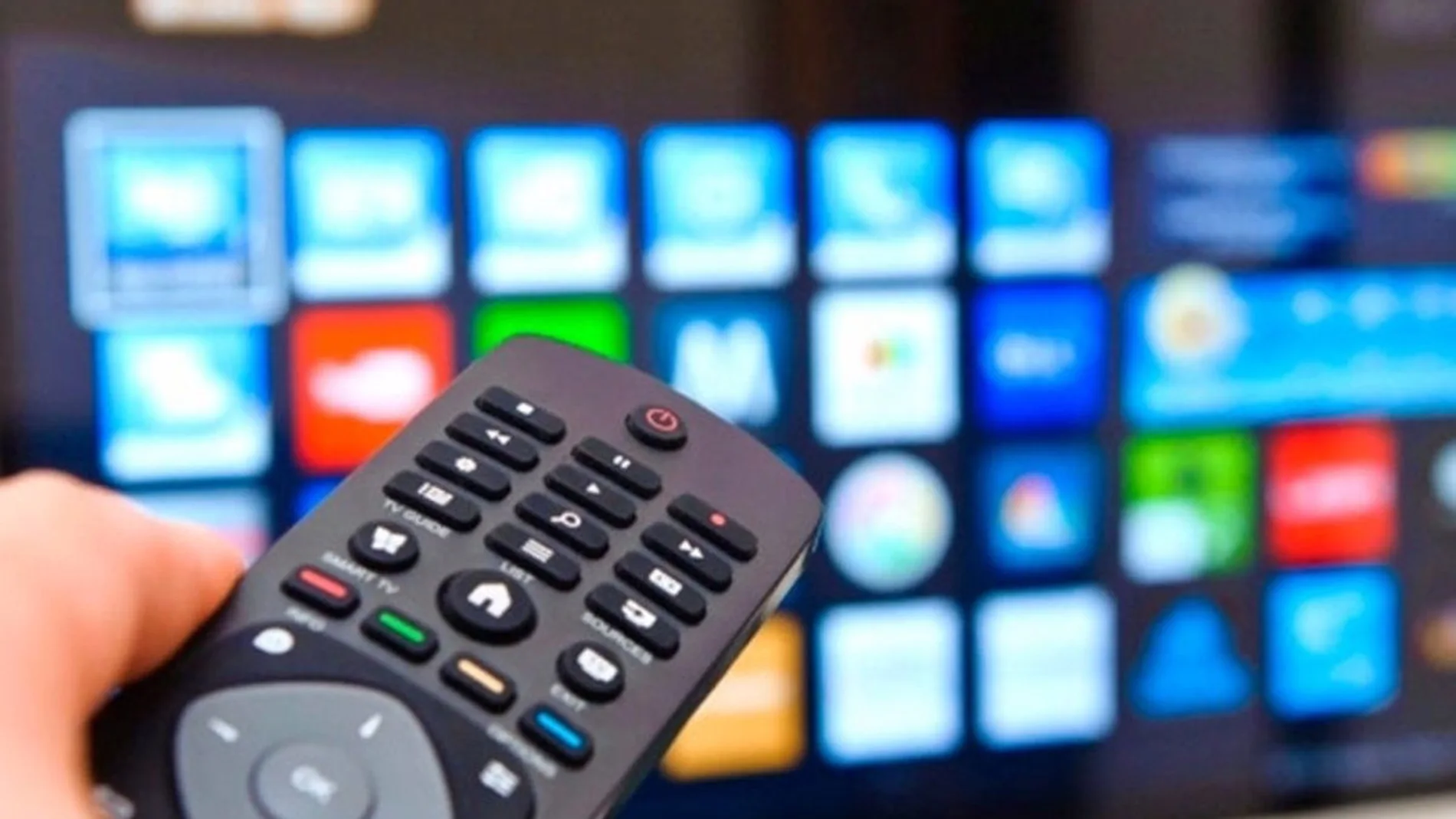
There is one thing that almost everyone has experienced: you buy a new Smart TV, it runs very fast, all the apps run wild and a few months later the problems start. The menu takes a while to load, Netflix doesn’t open, the remote seems to be late. And no, it’s not just “that it broke,” there is a quite logical explanation behind it.
Your Smart TV is not just a TV: it is a computer in disguise
Most people continue to treat TV as if it were the same thing they have always had. But the reality is different, a Smart TV is basically a computer with a giant screen.
It works with operating systems such as Android TV, Tizen or WebOS, which means that It has a processor, RAM, internal storage and applications that run in the background just like on a mobile or laptop.
The problem is that almost no one “takes care” of it like a computing device. We use it, we turn it off with the remote control and that’s it. But that “turning off” is not really turning off.
The big mistake: believing that turning it off means restarting it
When you press the button on the remote control, the television usually does not turn off completely. Enter sleep mode or standby.
That makes it boot up faster afterwards, yes, but it also means something else, open processes, accumulated cache and small system tasks are still alive in the background.
Over time, that translates to:
- RAM memory saturated
- Apps that get “caught”
- Slower system when opening menus
- Updates that are not applied well
And of course, all that is accumulating day after day without anyone cleaning it.
Why does it get slow with use?
The mystery is called software wear, not hardware.
Every time you use apps like Netflix, YouTube or similar platforms, temporary data (cache) is generated. That data helps everything load faster… until there is too much of it.
Additionally, many applications continue to run in the background even if you are not using them, consuming memory without you noticing. The result ends up being like a cell phone that you don’t restart.
The trick that almost no one does: really reboot
Tech experts often recommend something quite simple but underrated: completely restart the Smart TVon a regular basis. Turning it off is not the same as really restarting it.
The ideal frequency is usually:
- once a month at least
- once a week if you use it a lot
This helps:
- Release RAM memory
- Close blocked processes
- Clean temporary errors
- Improve overall performance
How to avoid forgetting about maintenance
If you are one of those who never remember this (very normal), there is a very useful trick, Plug it into a smart outlet. With a smart plug You can program when the television turns off completely. So, for example, at night the power is cut off and the system truly rests.
Types of resets you should know (and when to use them)
This is where a lot of people get confused, but it’s actually pretty simple:
soft reset
It is the “real reboot” of the system. It’s not just turning off with the remote control.
It can be done holding down the power button or from the settings menu. It works when the TV is slow, but it still works.
Power reset
This one is already more abrupt. It is used when the television freezes or does not respond properly.
It consists of:
- turn it off
- Unplug it from the power
- Press and hold the power button for a few seconds
- Reconnect it
This discharges residual energy and “reset” the system at a deeper level.
Factory reset
This is the nuclear level. Delete everything.
Used only if:
- The TV has serious errors
- You are going to sell it or give it away
The system returns to how it was on the first day, without apps, accounts or configurations.
Smart televisions do not break, they become saturated. Just like a cell phone or a computer, require restarts and minimal maintenance if you want it to work and last for years.