
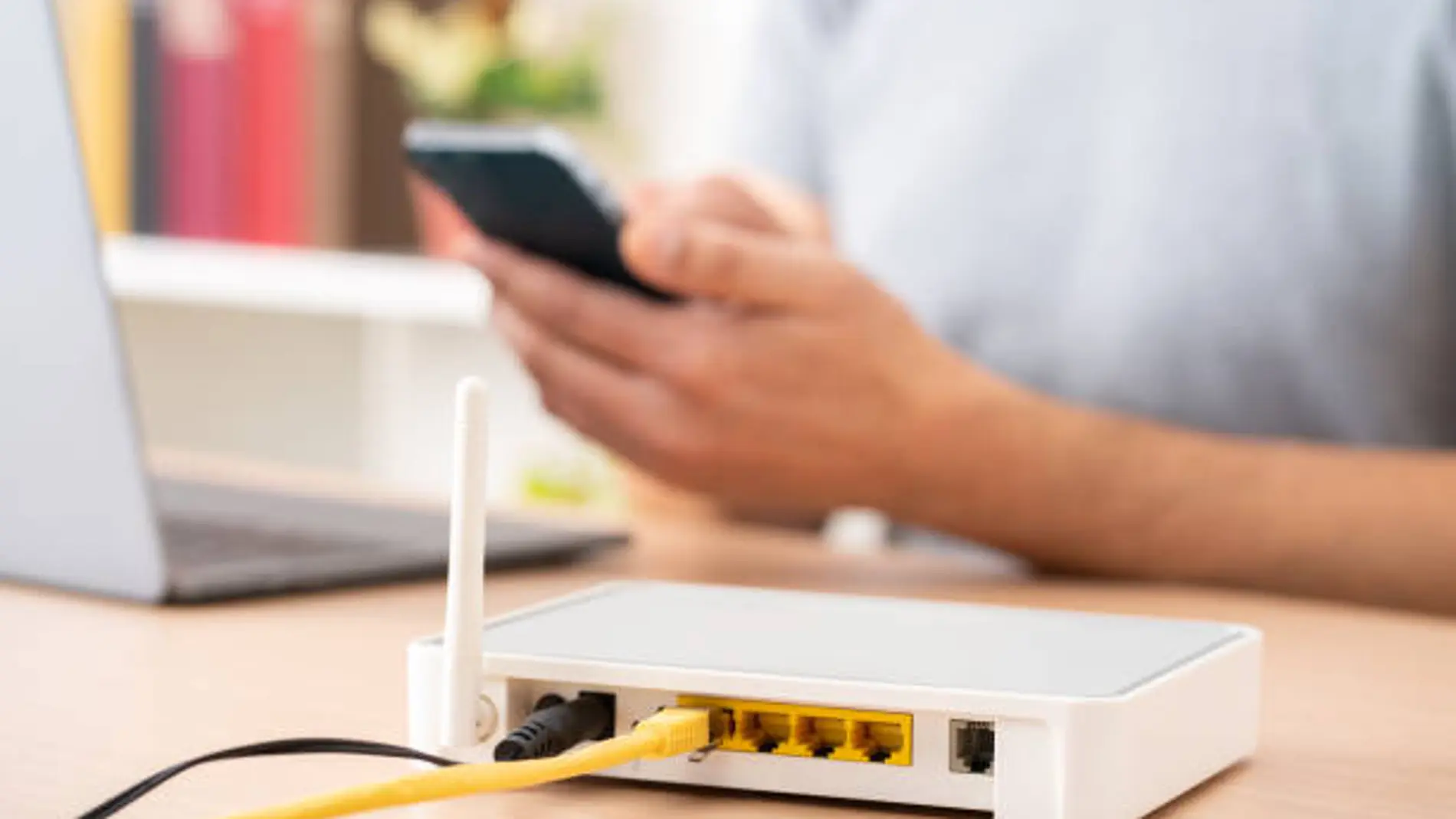
Although many people try to hide the router in some corner of the house so that it goes unnoticed, the truth is that it is one of the most important devices in the home. Without it, today it would be practically impossible to work, study, watch streaming content or carry out daily procedures that depend on the internet.
However, despite using it daily, most users barely know the functions that this device incorporates.. Normally, once installed, the router is forgotten until a connection problem appears. And that means that many people are unaware of both some security risks and tools that can make connecting devices to WiFi much more comfortable.
The router button that almost no one uses
Beyond the lights or the classic reset button, many routers incorporate a function that is quite unknown to most users: the WPS button. Its acronym corresponds to “WiFi Protected Setup” and its main objective is to facilitate the connection of devices to the wireless network without having to manually enter the password..
This tool can be especially useful when connecting devices such as Smart TV, printers or some smart home deviceswhere typing the WiFi key is usually uncomfortable and slow due to the lack of a conventional keyboard.
The operation is simple: All you have to do is press the WPS button on the router for a few seconds and activate the same function on the device we want to connect. Automatically, both devices are synchronized and the device accesses the WiFi network without having to enter the password.
Comfort, but also caution
Depending on the model, The WPS button can be found on the front, back or side of the router and is normally identified with the acronym “WPS”..
Although this feature can save a lot of time, experts recommend using it only when necessary and keeping it disabled the rest of the time. The reason is that, if it remains active, it can make it easier for unauthorized people to try to access the wireless network..
Therefore, knowing the basic functions of the router not only helps to make better use of the Internet connection, but also to improve security and avoid possible unwanted access to the home network.