
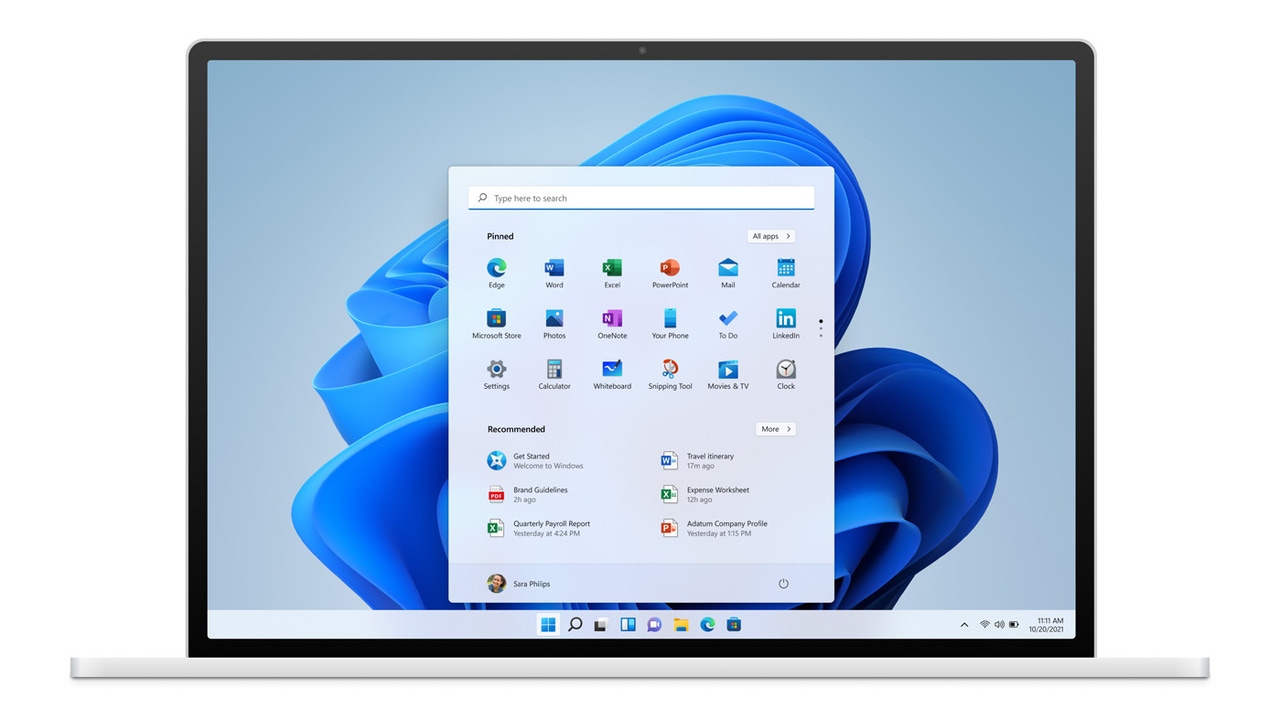
Windows 10 is already very close to the end of support it offers Microsoft and whose abandonment, in October of this year, will make it An obsolete system. Although there are some options to extend it, this situation has meant a support for Windows 11 That, almost 4 years after its launch, it has managed to match or overcome – according to some reports of measurement companies, not Microsoft – the market share of its predecessor. Since we are at a time when many users are going to Windows 11, it is a good time to review one of the options they must choose when installing the operating system: the type of data that Microsoft collects from the user and its device.
What data does Microsoft collect from the user’s activity on Windows?
A clarification that must be done is that, in this aspect, Windows 10 and his successor are the same: Both collect exactly the same data. From the version 1903 From Windows 10 onwards, and in all Windows 11, the same data collection policies are applied.
Microsoft classifies the collection of personal data into two types: Mandatory and Optional. The choice of not sharing the optional is presented during the installation of the operating system and can also be configured at any time from the Windows settings. Microsoft states that mandatory data are necessary to maintain their services and products safe, updated and connected to the cloud When necessary.
Mandatory data
The mandatory data are not always mandatory. In some cases, they are only collected if the user uses an associated service that requires them, and in that case we talk about the Mandatory service data. An example is Find my devicewhich uses location data if the user decides to activate this function. When it is not a case like this, we talk about Mandatory diagnostic data.
The complete list of functions that fit the first case is:
- Activity history.
- Cloud clipboard.
- Personal Dictionary
- Date and time (for Windows time service).
- Delivery optimization (for the delivery of Windows updates).
- Device encryption.
- Emojis
- Ocular control
- Parental control.
- Find my device.
- First steps.
- Location services.
- Microsoft defend Smartscreen.
- Mobile link (Phone Link).
- Intelligent Application Control.
- Problem solution service.
- Voice writing.
- Windows backup.
- Windows Insider program.
- Windows Security.
- Windows search.
- Windows (Windows Spotlight).
- Widgets
If you use any of these functions that connect to the cloud, Microsoft will collect additional data of your device. These may include Authentication details, certificates, configuration, device status, license data and network telemetry. Microsoft states that this information is crucial to provide these services. It should be noted that while companies can more accurately control what data are sent to Microsoft, Consumers no.
In addition, Windows also collects those mentioned Mandatory diagnostic data. According to Microsoft, this is the minimum information necessary to guarantee The stability of the system and its services. They are divided into three categories:
- Device connectivity and configuration: Details about the equipment, its configuration and connectivity capabilities. Includes data on the manufacturer, processor type, memory configuration, network and peripherals.
- Product performance and services: Information about the state of the device or service. It includes basic errors reports and reliability data of the operating system.
- Software configuration and inventory: Data on facilities and software updates. Includes the system version, installed updates, configurations and list of installed applications/controllers.
Optional data
Microsoft considers it useful to receive these optional data for Improve user experience and solve problemsalthough they are not mandatory. This optional compilation is divided into six general categories:
- Navigation history: Browser activity, Searches history and changes in the configuration of Microsoft browsers.
- Device connectivity and configuration: more specific details than those included in the mandatory section.
- Handwritten entrance, writing and voice: Dictations of dictation, handwriting and typing, in addition to details about the transcription of voice to text.
- Product performance and services: Information more detailed than that included in the mandatory category.
- Use of products and services: Apps activity, application launches and system use statistics and their services.
- Software configuration and inventory: More specific details on facilities, configurations and versions.
Choose what data you send and which do not
Both in Windows 10 and Windows 11 you can choose Do not send optional data whenever. You have to follow the route Configuration> Privacy> Comments and diagnoses To modify this option, in both cases. There is no option to completely deactivate telemetry sending, but for Send optional diagnostic data.
If you go down a little more in that section, you will find options related to writing and Personalized experiences (as personalized ads). You can activate or disable them as you prefer. You also have the option Eliminate diagnostic data which eliminates those that Microsoft has collected on the device. If you want to protect your privacy, you can run it periodically.